Blog
Product updates, guides, and engineering notes from the team.
SignalTo vs fabston TradingView Webhook Bot: Honest Comparison
Open-source fabston bot vs managed SignalTo forwarding: hosting, retries, logs, cost, and who should use which for TradingView alert delivery.
Does TradingView Free Plan Support Webhooks?
No — the Basic plan cannot use webhook URLs. See which paid plans include webhooks, alert limits, and what to check before you debug a broken setup.
TradingView Webhook Setup Guide (2026) — Step by Step
Set up TradingView webhooks in 10 minutes: plan requirements, HTTPS rules, JSON payload, 2FA, and testing. No coding required for alert forwarding.
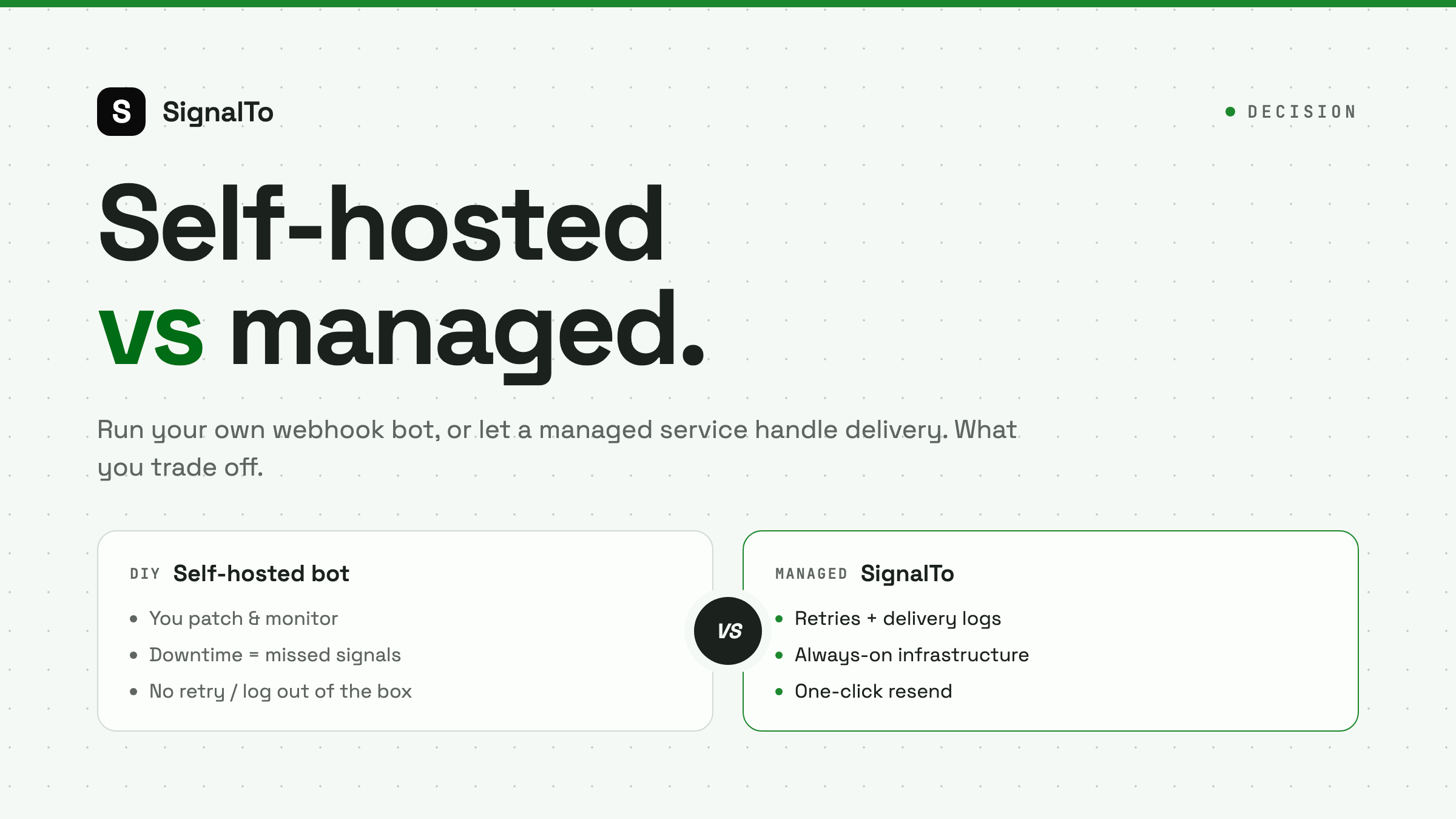
Self-Hosted Webhook Bot vs Managed Forwarding: The Real Math for Traders
Should you forward TradingView alerts to Telegram/Discord with a DIY Cloudflare Worker or VPS script, or use a managed service? No hype either way — this post does the honest math across maintenance cost, reliability, and the hidden time tax to help you decide.
 SignalTo Team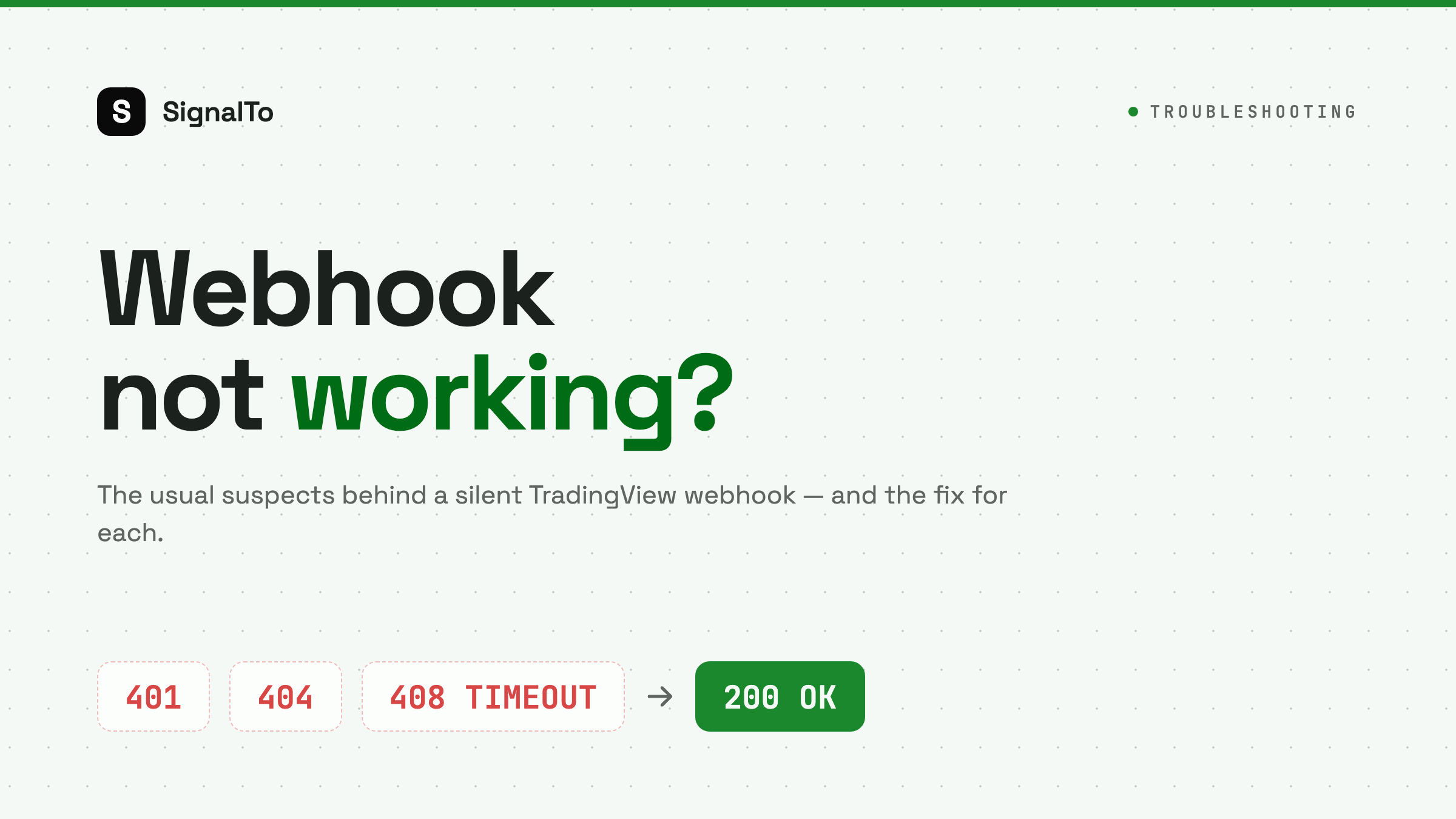
TradingView Webhook Not Working? 8 Common Causes and a Fix Checklist
Your alert fired but nothing showed up in your chat? This post walks through the most common reasons a TradingView webhook fails — no delivery, 403/401 errors, the 3-second timeout, intermittent drops — ordered by how often they happen, plus a checklist you can tick off.
SignalTo Team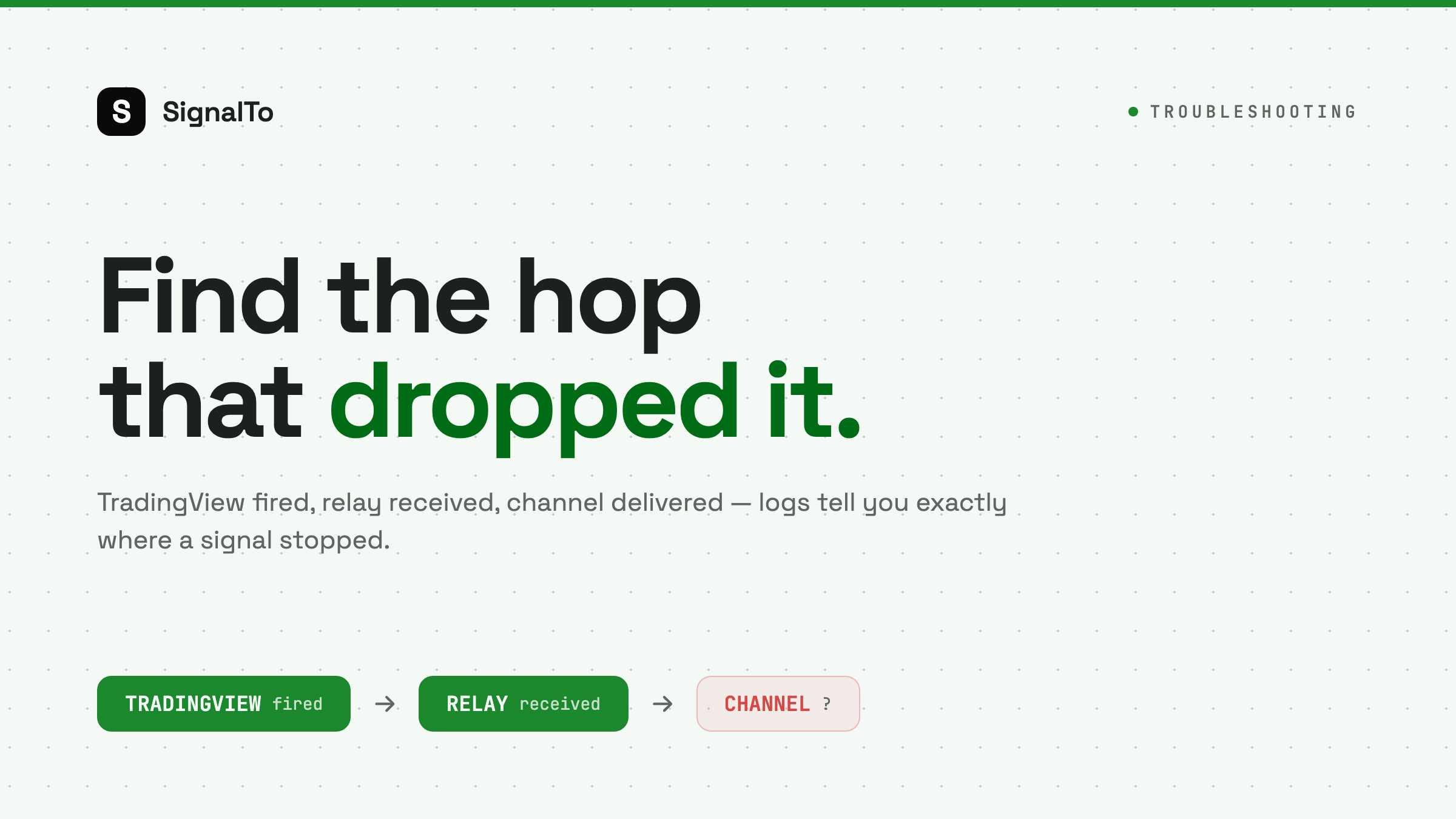
How to Debug Missed Trading Signals with Delivery Logs
Missed trading signals are easier to fix when you separate TradingView firing, relay receipt, and final chat delivery.
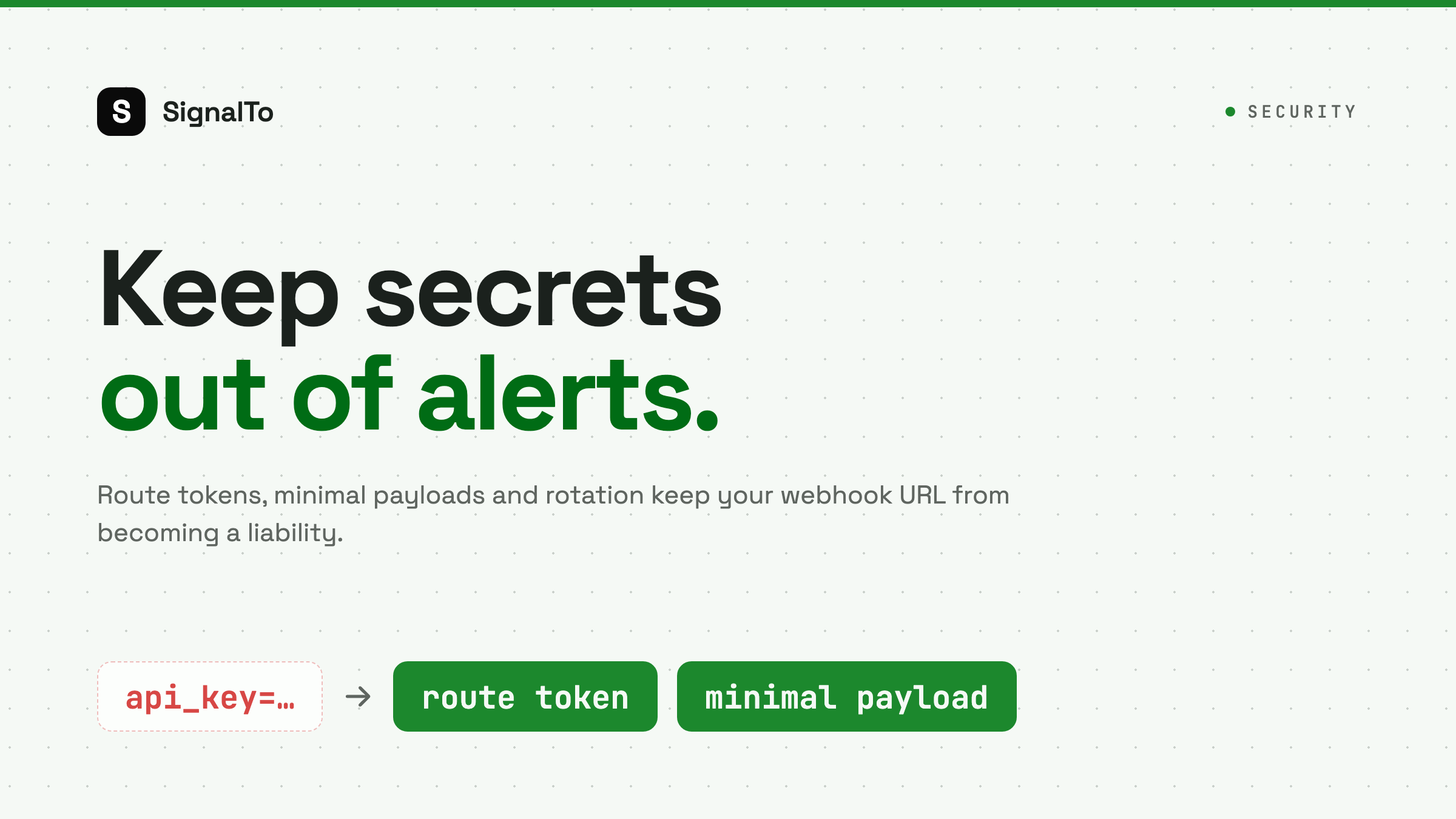
TradingView Webhook Security: Tokens, Secrets, and Safe Payloads
Keep TradingView webhook URLs and payloads safe with route tokens, minimal messages, secret rotation, and delivery logs.
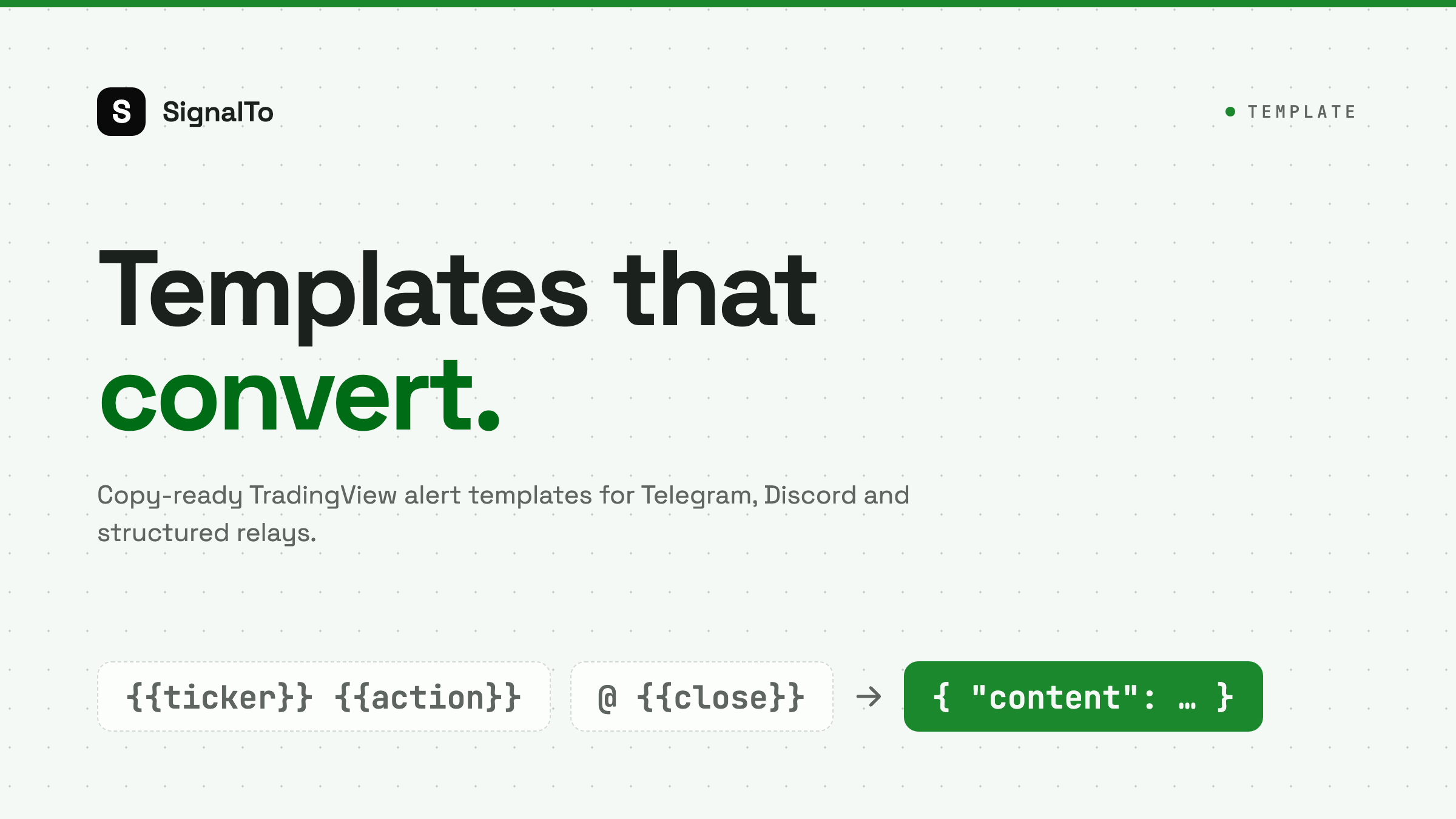
TradingView Alert Message Templates for Crypto Signals
Copy practical TradingView alert message templates for Telegram, Discord, and webhook relays without overcomplicating your payload.
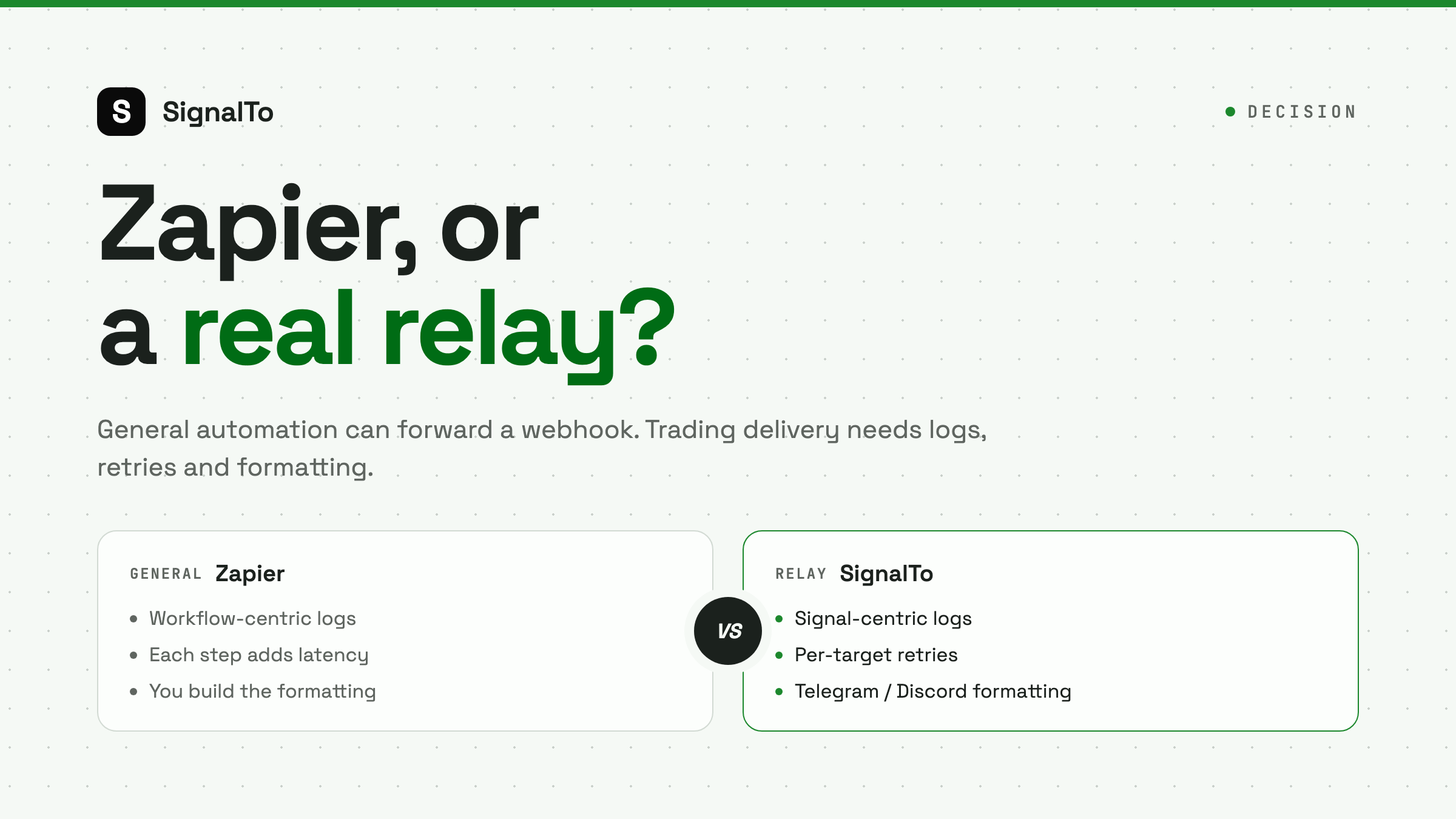
TradingView Webhook vs Zapier: What Traders Should Know
Zapier is flexible, but trading alerts need low friction, clear logs, retries, and platform-specific formatting.
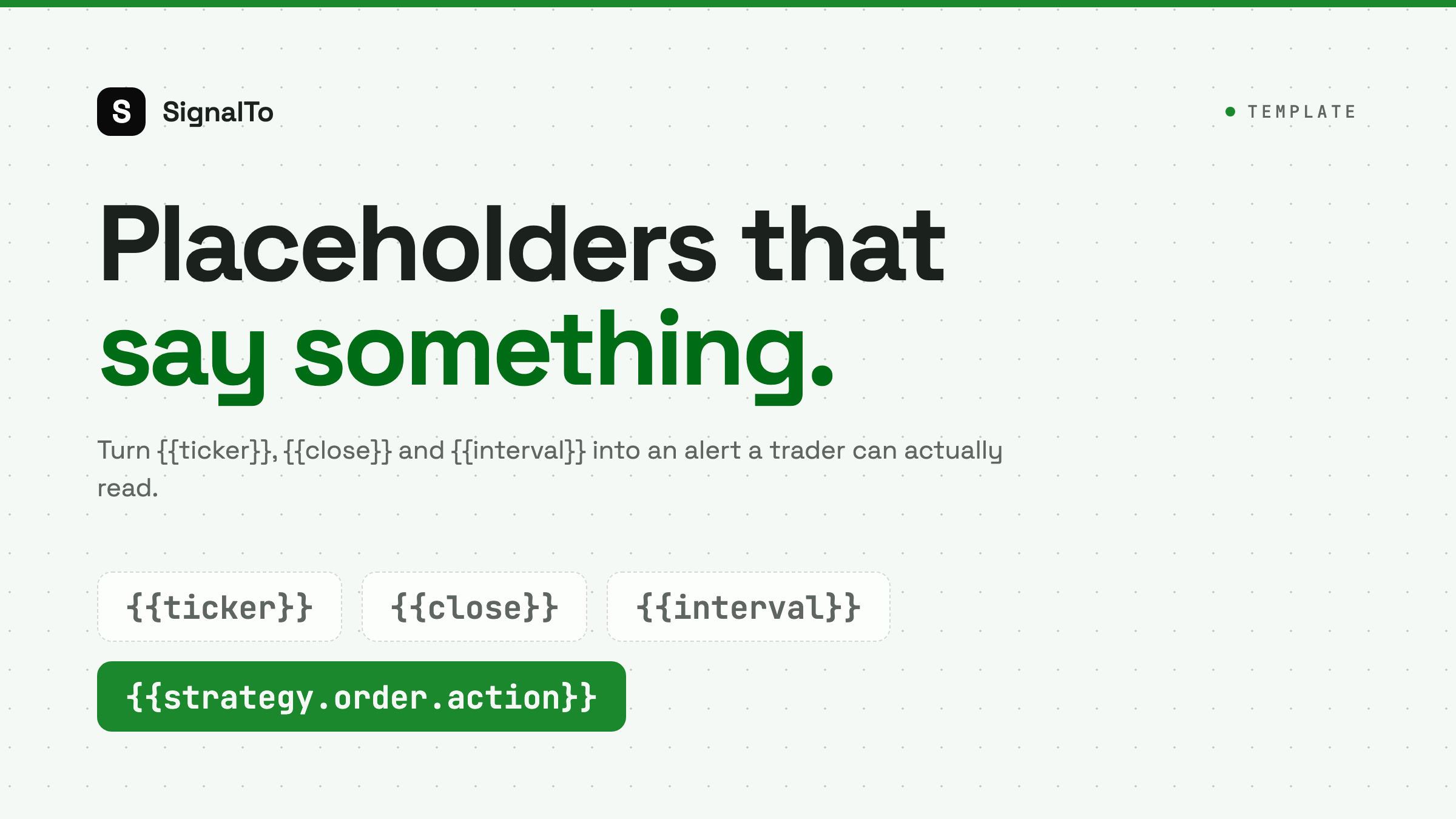
TradingView Alert Placeholders: Useful Examples for Webhooks
Use TradingView placeholders to send clearer webhook alerts with symbol, price, timeframe, strategy, and order details.
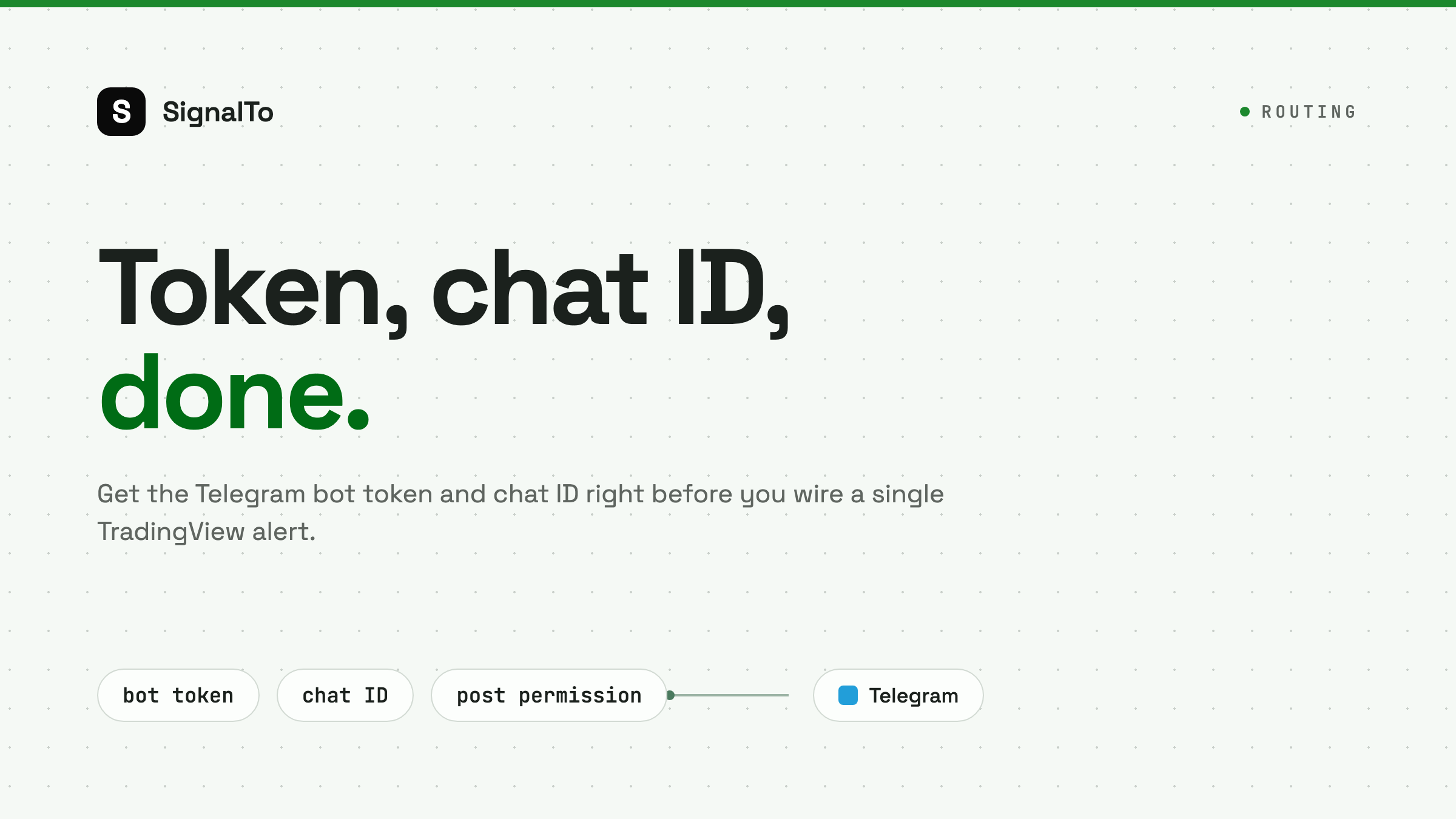
TradingView to Telegram: Bot Token and Chat ID Setup
A practical guide to finding the right Telegram bot token and chat ID before wiring TradingView alerts into a group or channel.
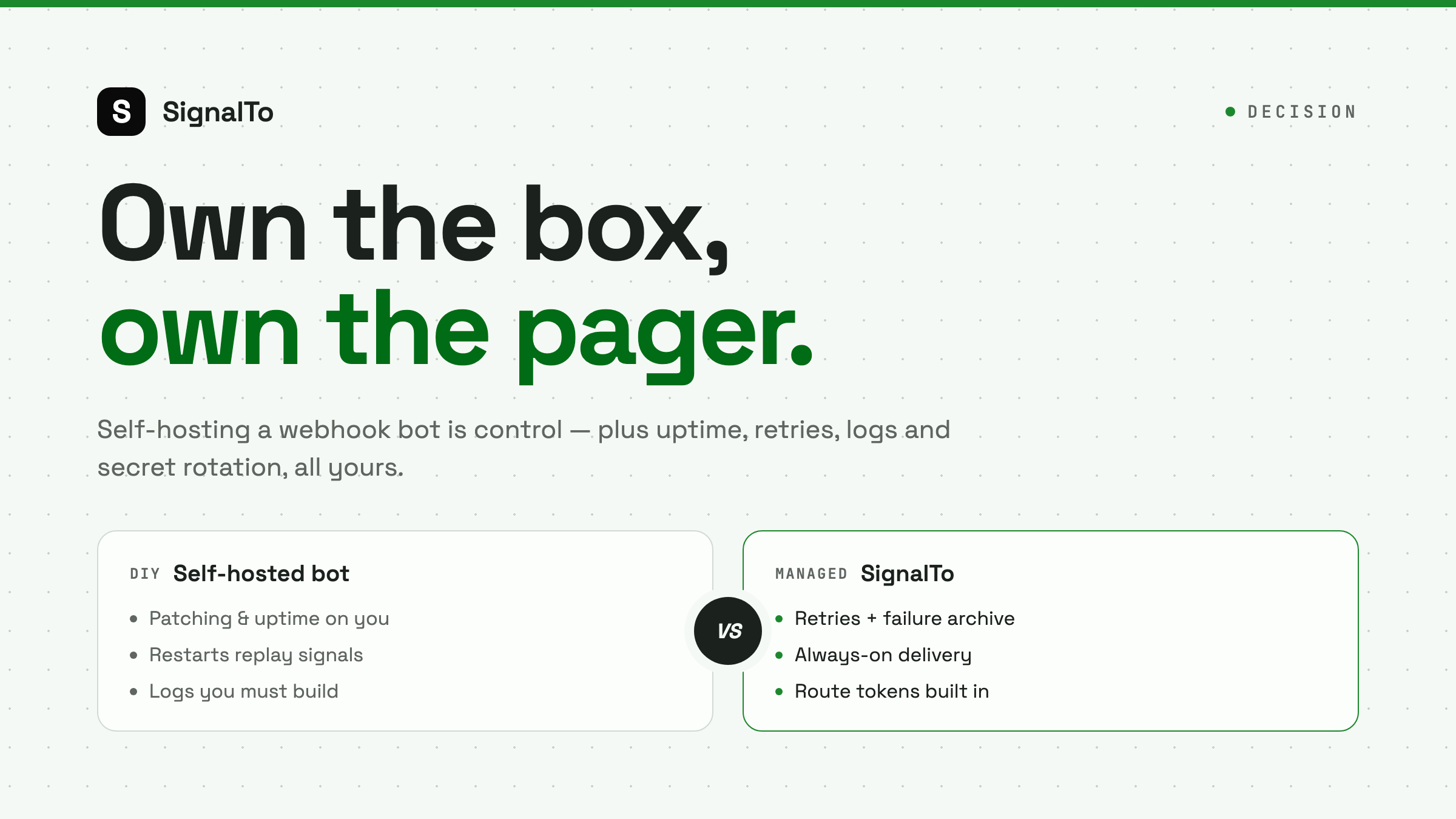
Self-Hosted TradingView Webhook Bot: Pros, Cons, and Risks
Self-hosting a TradingView webhook bot gives control, but it also adds uptime, retries, logs, security, and maintenance work.
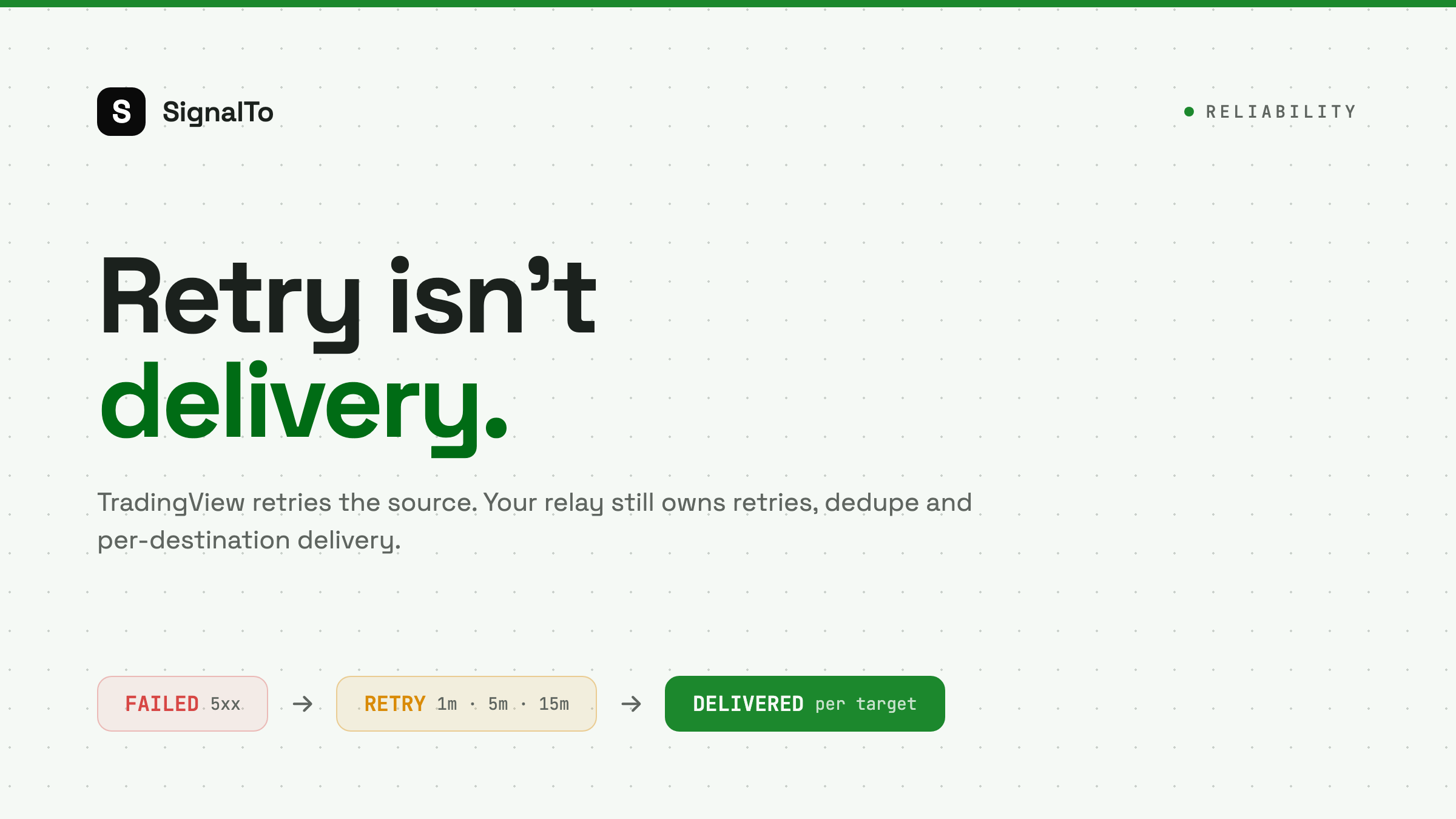
TradingView Webhook Retry Explained for Alert Delivery
Understand when TradingView retries webhooks, why retries can create duplicates, and how to design a safer alert relay.
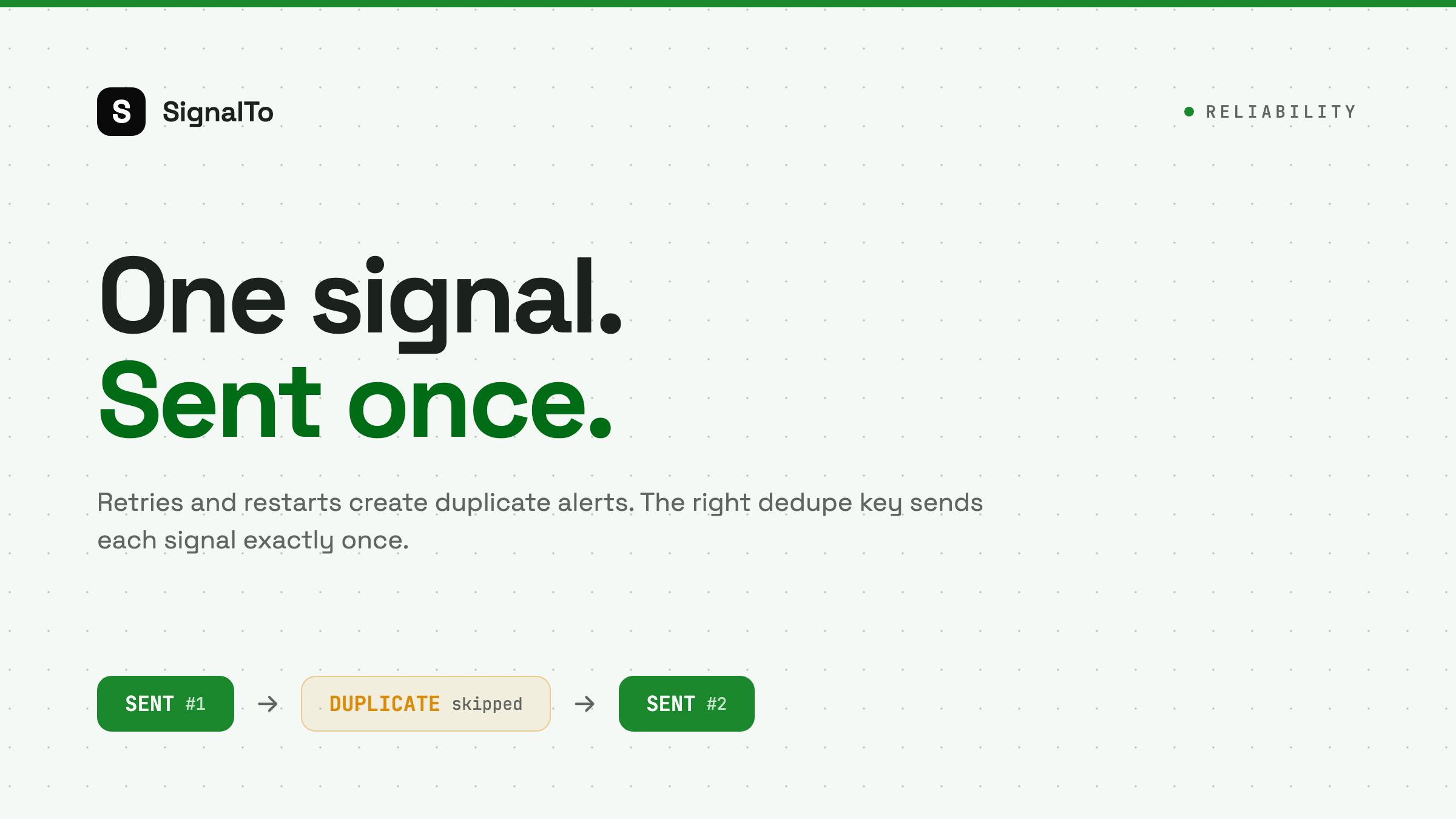
How to Prevent Duplicate TradingView Webhook Alerts
Duplicate TradingView alerts usually come from retries, bar settings, or receiver restarts. Here is how to dedupe without hiding real signals.

TradingView Webhook Timeout: Why 3 Seconds Matters
TradingView webhooks can fail when your receiver takes too long. Learn how to acknowledge fast and process delivery safely in the background.
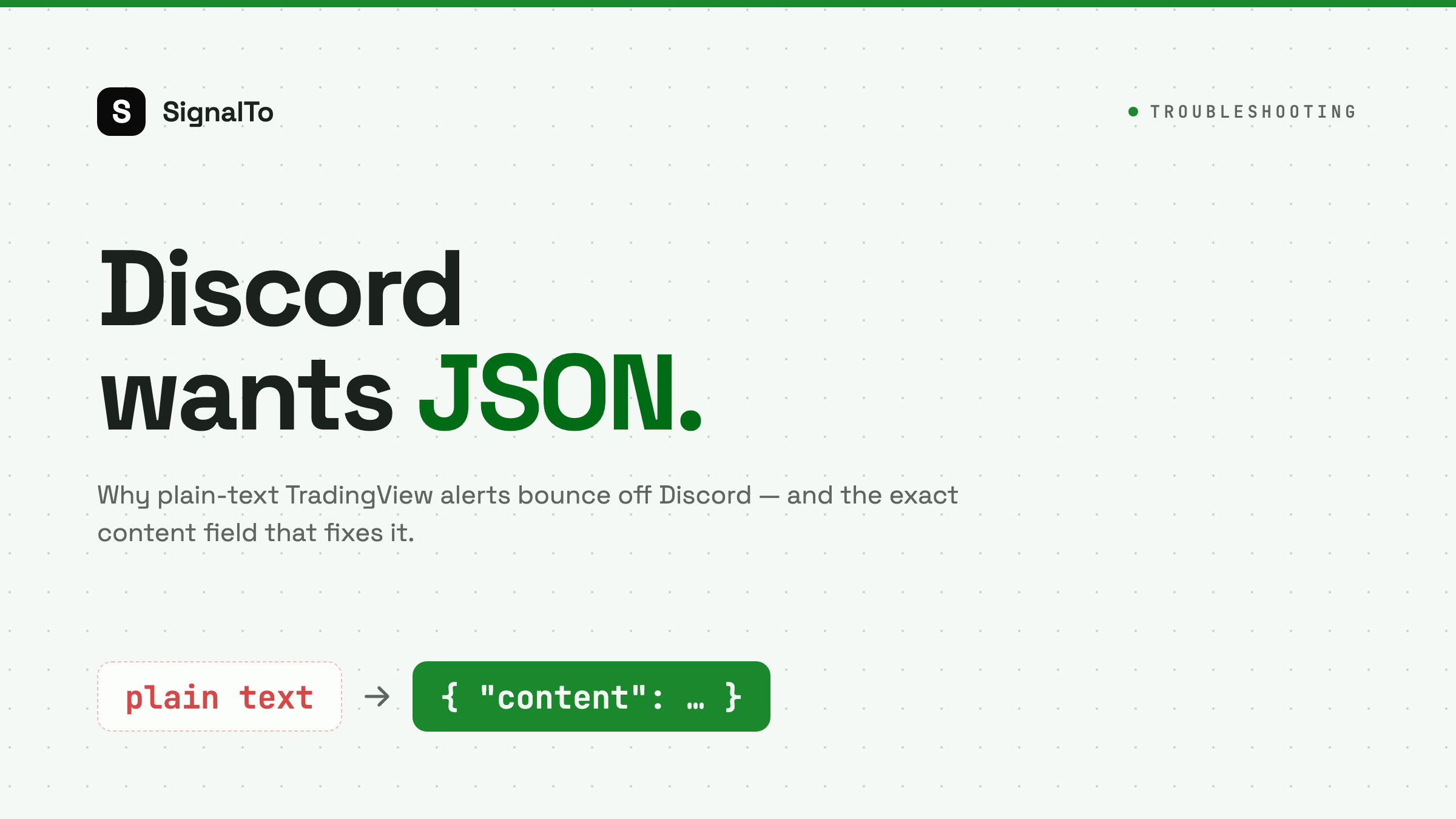
How to Send TradingView Alerts to Discord Without JSON Errors
Discord webhooks require a JSON content field. This guide shows the exact format and the common TradingView mistakes that break delivery.
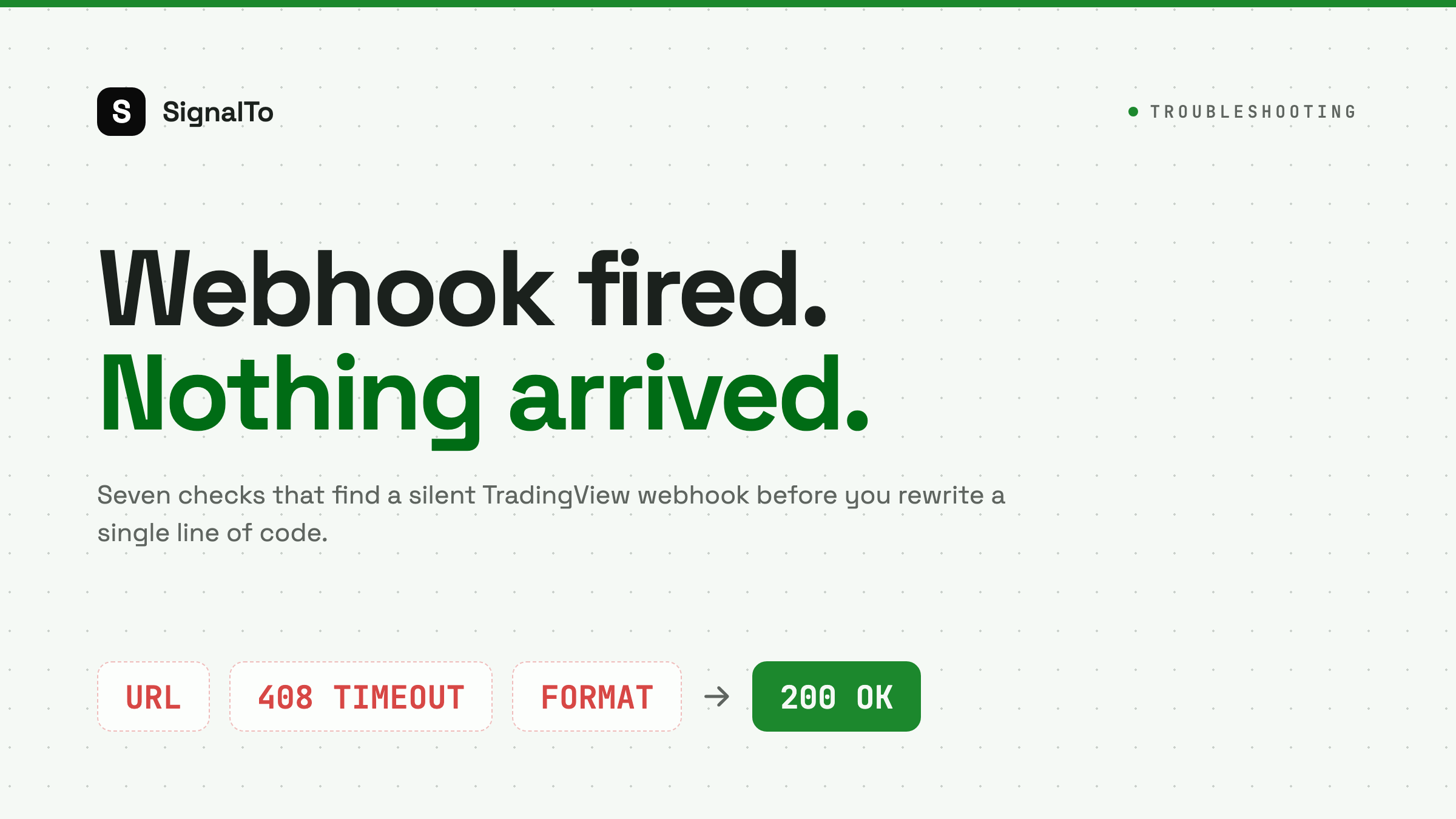
TradingView Webhook Not Working? 7 Checks Before You Rebuild Your Bot
A practical checklist for fixing TradingView webhook alerts that fire but never reach Telegram, Discord, or your relay.
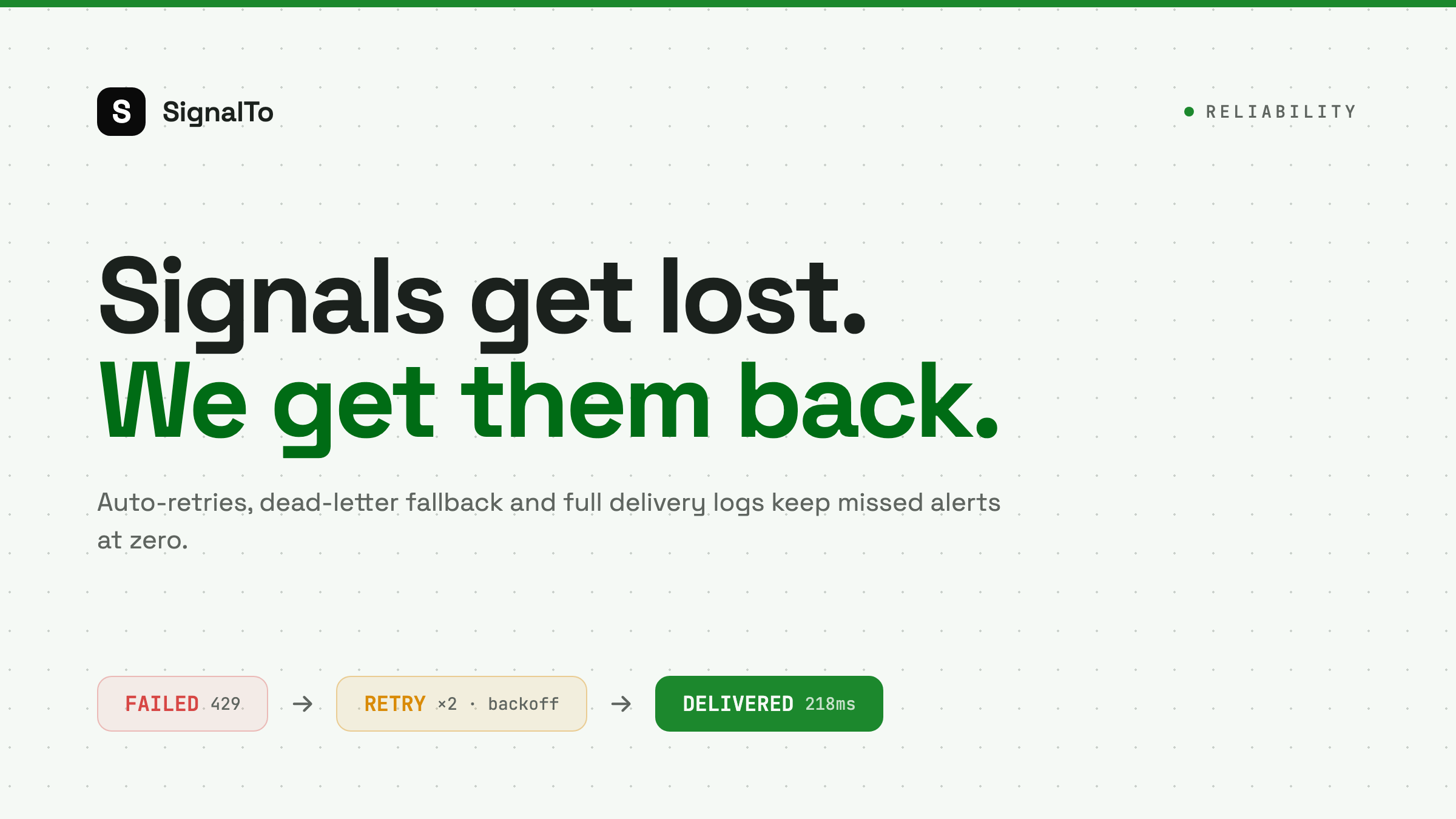
Why Trading Signals Get Lost and How Retries + Delivery Logs Fix It
Why do trading signals get lost in transit? This post breaks down the common causes of missed alerts and explains how SignalTo uses auto-retries, dead-letter fallback, and full delivery logs to reliably deliver TradingView alerts to Telegram, Discord, and Feishu.
SignalTo Team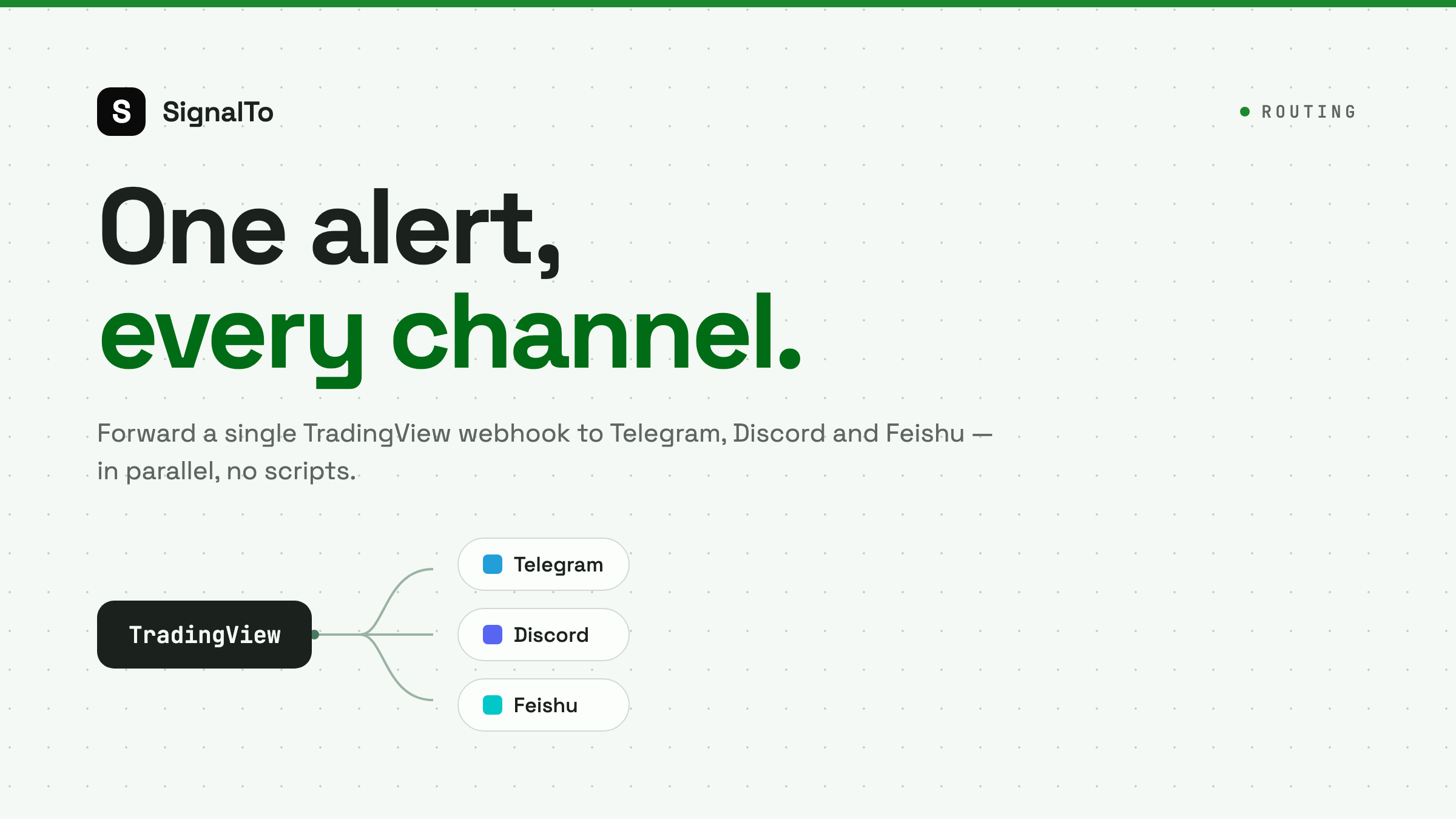
How to Forward TradingView Alerts to Telegram, Discord & Feishu (Step-by-Step)
A step-by-step guide to forwarding TradingView alerts (webhooks) to Telegram, Discord, and Feishu with SignalTo. No code, set up in minutes, with message templates, auto-retries, and delivery logs.
SignalTo Team