TradingView Alert Placeholders: Useful Examples for Webhooks
Use TradingView placeholders to send clearer webhook alerts with symbol, price, timeframe, strategy, and order details.
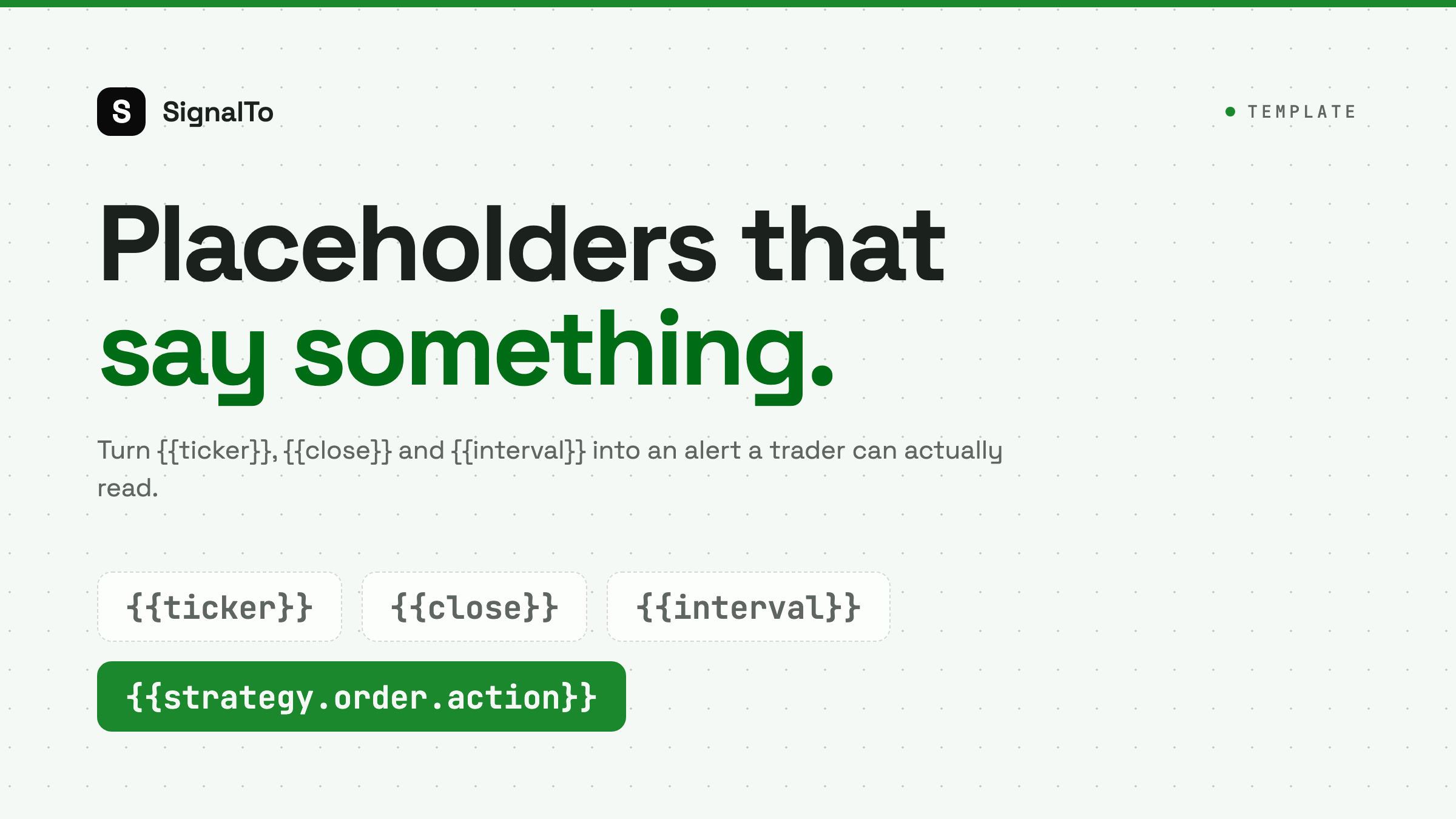
TradingView alert placeholders make webhook messages useful. Without them, every alert looks the same. With them, your Telegram or Discord message can include symbol, price, timeframe, and strategy context.
Start with the basics
A simple alert message:
{{ticker}} crossed {{close}}
This gives the receiver a symbol and price. It is enough for a first test.
Add timeframe and exchange
For traders running the same strategy across markets, add context:
{{exchange}}:{{ticker}} on {{interval}} closed at {{close}}
This prevents confusion when BTCUSDT on one exchange behaves differently from another feed.
Strategy alert example
For strategy alerts, include action and position details when available:
Strategy: breakout-v2
Symbol: {{ticker}}
Price: {{close}}
Action: {{strategy.order.action}}
Contracts: {{strategy.order.contracts}}
Not every placeholder is available in every alert type. Test with a non-critical alert before relying on it.
JSON payload example
If your relay expects JSON:
{
  "strategy": "breakout-v2",
  "symbol": "{{ticker}}",
  "price": "{{close}}",
  "timeframe": "{{interval}}",
  "action": "{{strategy.order.action}}"
}
Keep JSON strict. A missing quote can break delivery.
Human-readable template
For Telegram or Discord communities, a readable message is better:
{{ticker}} {{strategy.order.action}} at {{close}}
Strategy: breakout-v2
Timeframe: {{interval}}
SignalTo can receive structured data and render a cleaner message for each channel.
Avoid secrets in placeholders
Do not include exchange API keys, passwords, or account identifiers in alert messages. TradingView webhooks are for signal data, not credential transport.
Where to use templates
Use placeholders with TradingView to Telegram for group alerts, TradingView to Discord for communities, and TradingView webhook alerts when you need routing and logs.