How to Debug Missed Trading Signals with Delivery Logs
Missed trading signals are easier to fix when you separate TradingView firing, relay receipt, and final chat delivery.
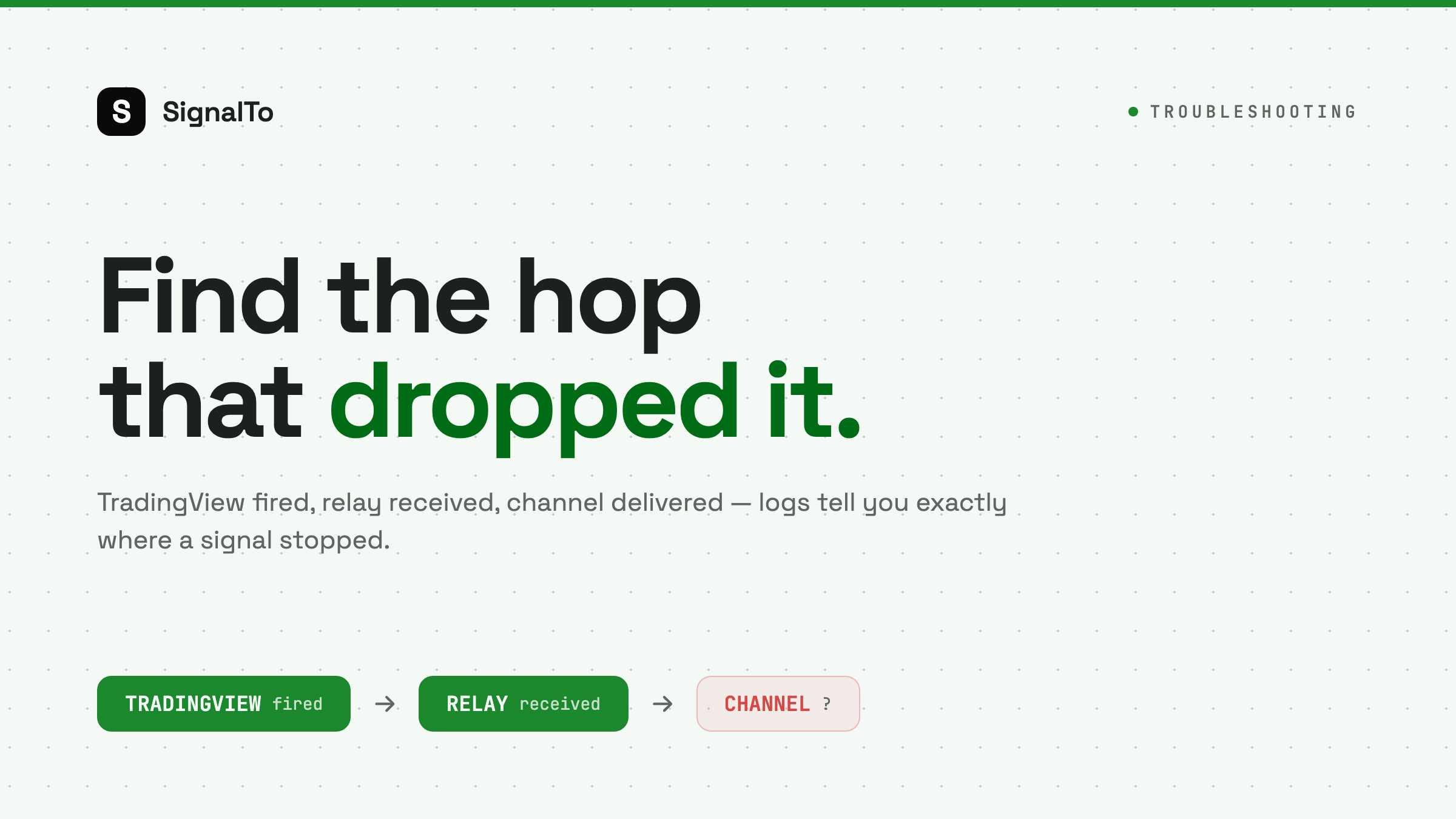
When a trading signal is missed, the first question should not be who is at fault. The first question should be which hop failed. A delivery log turns that question from a debate into a checklist.
The three-hop model
Most alert delivery has three hops:
- TradingView fires the alert.
- The relay receives the webhook.
- Telegram, Discord, or Feishu receives the message.
If you do not log each hop, you cannot debug missed signals reliably.
Case 1: TradingView did not fire
Check the alert log. If there is no fired event, the relay never had a chance. Look at alert conditions, frequency settings, and whether the alert expired.
Fix the TradingView setup before changing your webhook receiver.
Case 2: TradingView fired, relay did not receive
This points to URL or network problems:
- Wrong webhook URL
- Expired tunnel
- Private endpoint
- Unsupported port
- TLS issue
Use a stable HTTPS relay endpoint.
Case 3: Relay received, destination failed
This is the most common operational failure. Telegram or Discord may reject the message even though TradingView succeeded.
Examples:
- Discord payload missing content field
- Telegram bot removed from group
- Channel permission changed
- Rate limit hit
Your delivery log should show the exact response code.
What a useful delivery log contains
At minimum:
- event ID
- route ID
- received time
- raw payload
- parsed symbol and action
- destination
- attempt count
- response code
- final status
If there is no response code, it is not a delivery log. It is just an activity feed.
Resend only failed destinations
If Telegram succeeded and Discord failed, resend Discord only. Do not replay the whole event to every channel. That creates duplicates and breaks trust.
Use logs as product feedback
Repeated failures are signals:
- Many Discord JSON errors mean the template UI should help more.
- Many Telegram permission errors mean setup validation should be stricter.
- Many timeout errors mean delivery should move further into background jobs.
This is how a relay improves over time.
Debug with SignalTo
SignalTo keeps inbound events and delivery attempts visible so you can see where a signal stopped. Start with TradingView webhook alerts, or set up direct forwarding to Telegram, Discord, or Feishu.