How to Prevent Duplicate TradingView Webhook Alerts
Duplicate TradingView alerts usually come from retries, bar settings, or receiver restarts. Here is how to dedupe without hiding real signals.
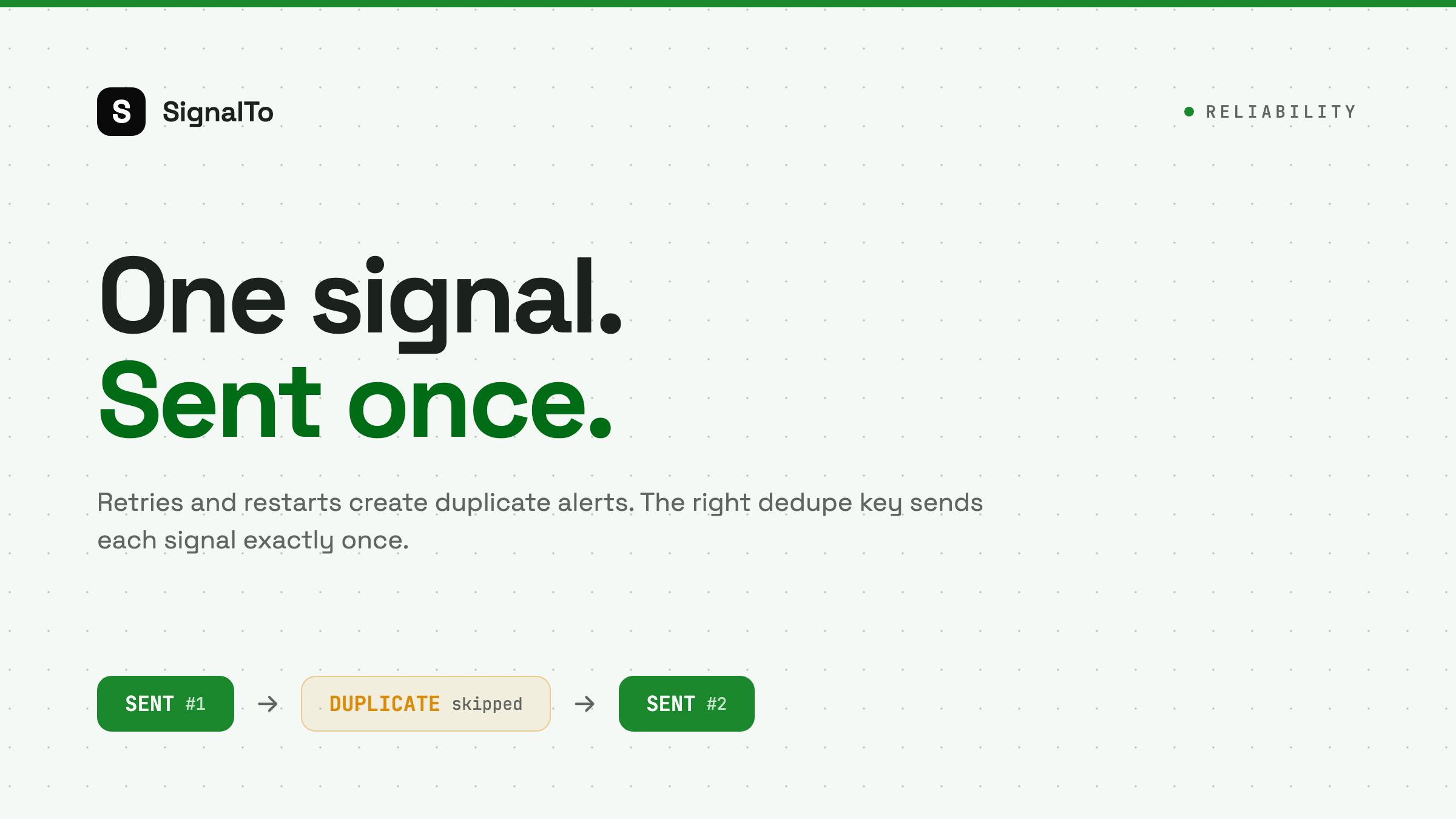
Duplicate TradingView webhook alerts are not always a TradingView bug. They usually come from retries, alert settings, or a receiver that processes the same signal twice. The fix is not to ignore every repeated symbol. The fix is to dedupe with the right key.
Common duplicate sources
The usual causes are:
- TradingView retries after a failed response.
- Your script returns 500, then later processes the same payload.
- The alert condition fires several times during one candle.
- A strategy reload emits an old signal.
- Your receiver restarts and replays a queued request.
Each cause needs a different fix.
Start with alert frequency
In TradingView, check whether the alert is configured to fire once per bar, once per bar close, or every time. For trading signals, once per bar close is often safer because it reduces intrabar noise.
If your strategy intentionally sends multiple updates, do not dedupe only by symbol. BTCUSDT can have several valid signals in a day.
Build a dedupe key
A practical dedupe key should include enough context:
strategy_name + symbol + timeframe + bar_time + side
For example:
breakout-v2:BTCUSDT:15m:2026-07-01T14:30:00Z:buy
Store that key when the event is accepted. If the same key appears again inside a short window, mark it as duplicate instead of sending it again.
Do not dedupe too broadly
Bad dedupe key:
BTCUSDT
This blocks valid future signals.
Better dedupe key:
strategy + symbol + bar_time + action
This blocks repeated delivery of the same signal without hiding a later trade.
Handle retries separately from destinations
If one TradingView alert routes to Telegram and Discord, each destination should have its own delivery state. Discord failing should not cause Telegram to receive a second copy.
Good model:
- One inbound event
- Multiple delivery jobs
- One status per destination
Bad model:
- One inbound event
- Entire event retried as a blob
- All channels receive duplicates
What logs should show
Your logs should make duplicates obvious:
- inbound_event_id
- dedupe_key
- first_seen_at
- duplicate_seen_at
- duplicate_action: skipped
If your logs only show final messages, you cannot tell whether the duplicate came from TradingView, your relay, or the destination.
How SignalTo helps
SignalTo stores inbound events and delivery attempts separately. That makes retries traceable and duplicate prevention safer. Start with TradingView webhook alerts, then route cleanly to Discord or Telegram.