TradingView Webhook Security: Tokens, Secrets, and Safe Payloads
Keep TradingView webhook URLs and payloads safe with route tokens, minimal messages, secret rotation, and delivery logs.
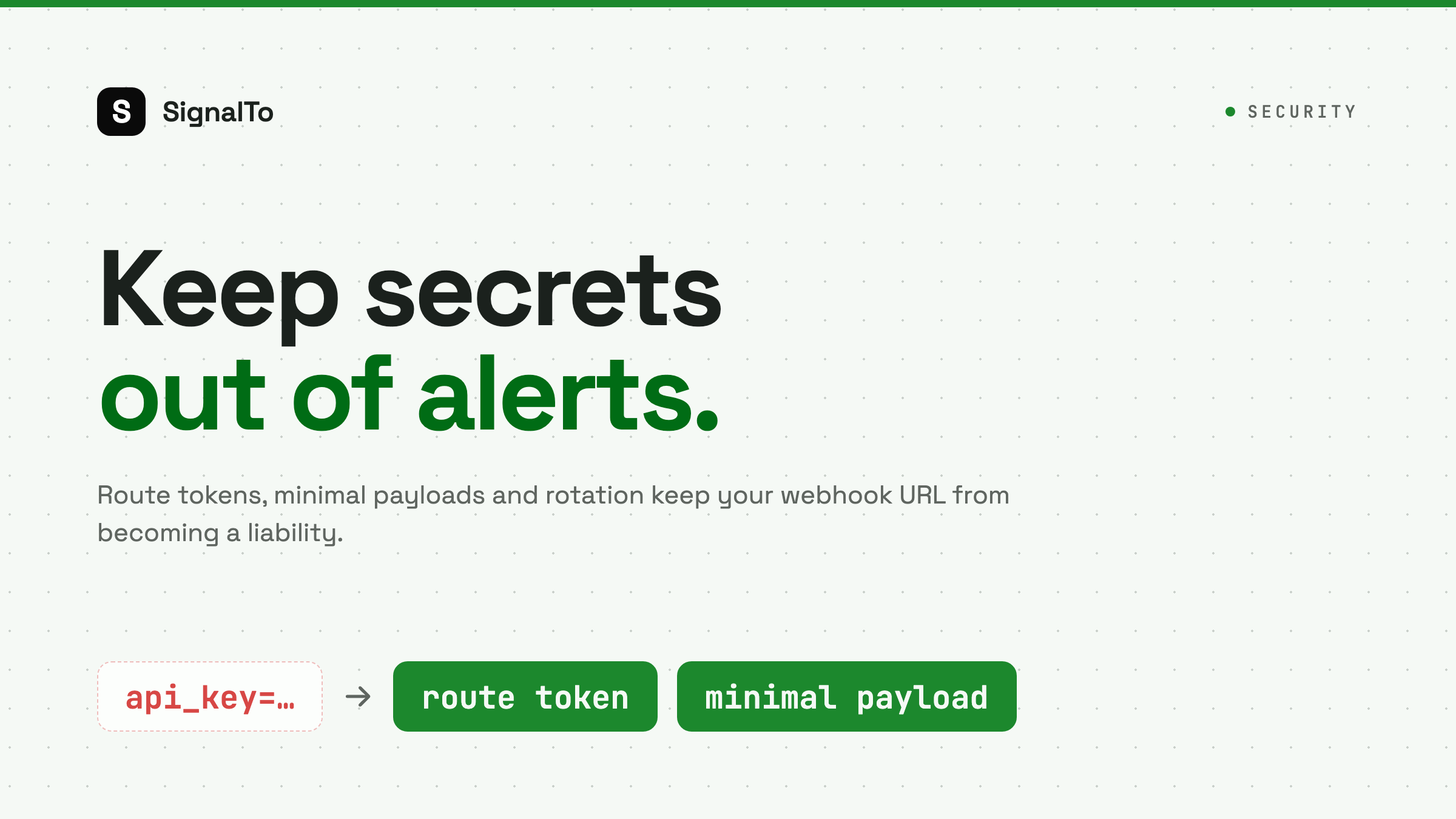
A TradingView webhook URL is not just a link. It can trigger messages, workflows, or even trading automation. Treat it like a secret endpoint, not a public bookmark.
Do not put credentials in the payload
Never send API keys, passwords, exchange secrets, or account identifiers inside a TradingView alert message. Webhooks should carry signal data, not credentials.
Safe payload fields:
- symbol
- action
- price
- timeframe
- strategy
- timestamp
Unsafe payload fields:
- exchange secret
- broker password
- private account ID
- admin token
Use route tokens
Each webhook route should have a secret token in the URL or a validated route identifier. If a URL leaks, rotate that route without changing every other strategy.
One route per strategy is often easier to manage than one global endpoint for everything.
Keep payloads small
Large payloads are harder to validate and easier to break. They also make logs noisy. Send the minimum data needed to render and route the alert.
Validate before delivery
A secure relay should reject unknown routes and malformed payloads before trying to send to Telegram or Discord. That protects your channels from random internet traffic.
Rotate leaked URLs
If you accidentally share a webhook URL in a screenshot, rotate it. Do not wait until spam appears. A leaked URL can be abused later.
Audit delivery logs
Security is not only about blocking bad requests. It is also about knowing what happened.
Useful fields:
- source IP or request metadata
- route ID
- received time
- parsed fields
- destination
- response code
SignalTo's role
SignalTo is a forwarding relay, not a trading advisor. It helps isolate routes, format messages, and track delivery. Use TradingView webhook alerts when you want operational visibility, and keep credentials out of every TradingView alert.