How to Send TradingView Alerts to Discord Without JSON Errors
Discord webhooks require a JSON content field. This guide shows the exact format and the common TradingView mistakes that break delivery.
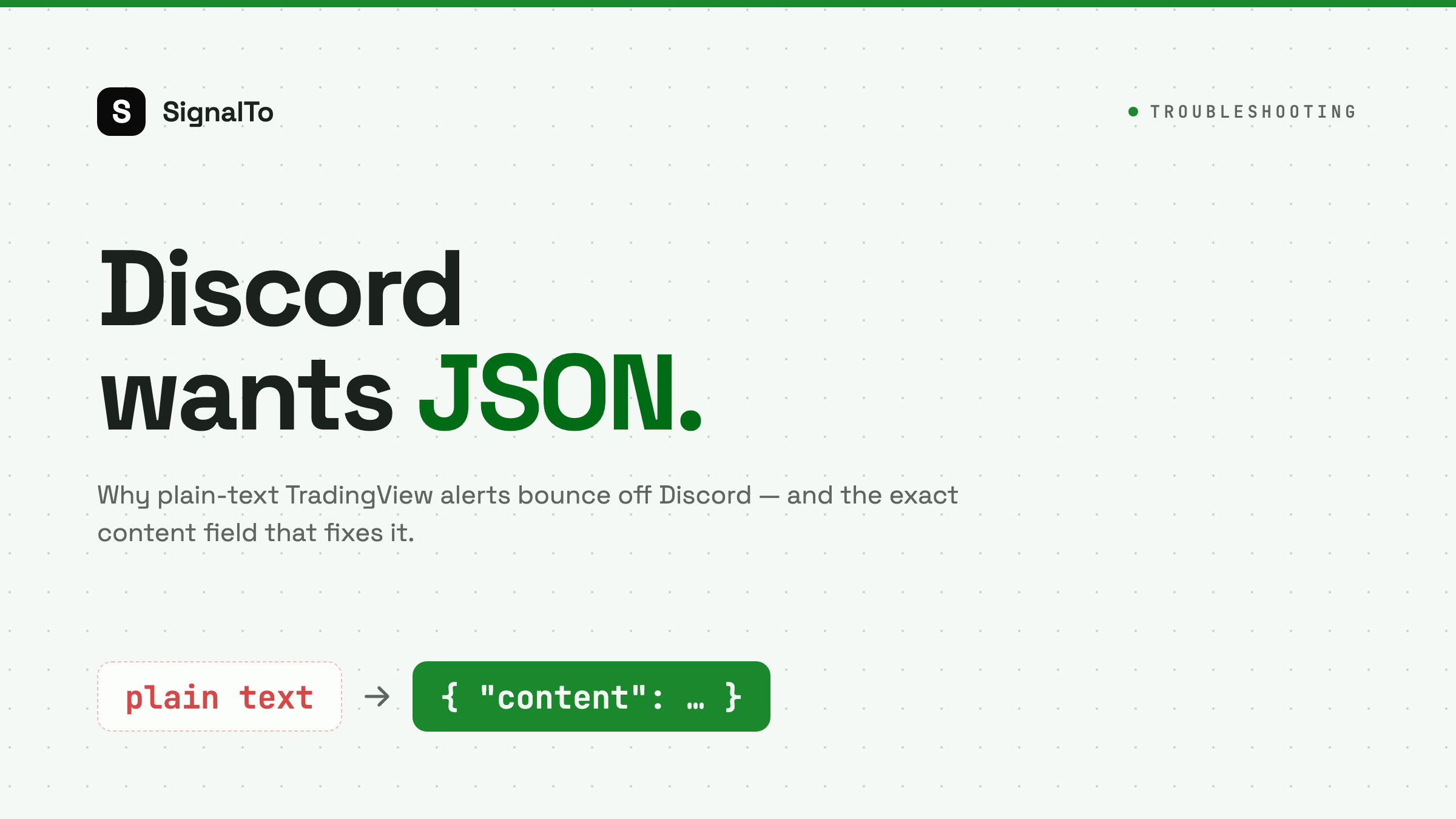
TradingView alerts do not always fit Discord webhooks directly. TradingView can send plain text, but Discord expects JSON when you post through a webhook. The most common failure is simple: the alert fired, Discord received something, but the body was not shaped as Discord expects.
The format Discord expects
For a basic message, Discord wants this:
{
  "content": "BTCUSDT crossed 65000"
}
That content field is not optional for a normal text post. If you paste a Discord webhook URL into TradingView and send plain text, Discord may reject it.
The mistake traders make
Many alerts are written like this:
BTCUSDT long at {{close}}
That is readable, but it is not a Discord webhook payload. Discord wants a JSON object, not raw text.
A valid TradingView alert message for direct Discord delivery looks like this:
{
  "content": "BTCUSDT long at {{close}} on {{interval}}"
}
Watch out for quotes
If your TradingView placeholders can contain quotes, your JSON may break. Keep the message simple, or let a relay convert plain text into Discord's JSON shape.
Safer:
{
  "content": "{{ticker}} signal at {{close}}"
}
Riskier:
{
  "content": "Strategy says "{{strategy.order.comment}}""
}
The second example can break if the comment includes quotes.
Use a relay when you want readable alerts
The cleaner approach is to keep your TradingView alert message human-readable:
BTCUSDT long at {{close}}
Then let the relay wrap it for Discord:
{
  "content": "BTCUSDT long at 65000"
}
That is what SignalTo does. It receives the TradingView body, validates it, applies your template, and sends the correct Discord payload.
Debug checklist
If your Discord alert does not arrive:
- Confirm TradingView alert log shows the alert fired.
- Check whether your message is valid JSON.
- Confirm the payload has a content field.
- Regenerate the Discord webhook URL if it was deleted.
- Send a test message outside TradingView.
- Check delivery logs for the response body.
What good delivery logs show
A useful log should tell you:
- The raw TradingView payload
- The generated Discord payload
- Discord response status
- Retry count
- Final delivery status
Without that, you only know that something failed. You do not know where.
Recommended setup
If you only need one Discord channel, direct JSON can work. If you want templates, retries, logs, or multiple destinations, use TradingView to Discord. If you also send to Telegram or Feishu, route from one TradingView alert into multiple channels with SignalTo webhook alerts.