TradingView Webhook Timeout: Why 3 Seconds Matters
TradingView webhooks can fail when your receiver takes too long. Learn how to acknowledge fast and process delivery safely in the background.
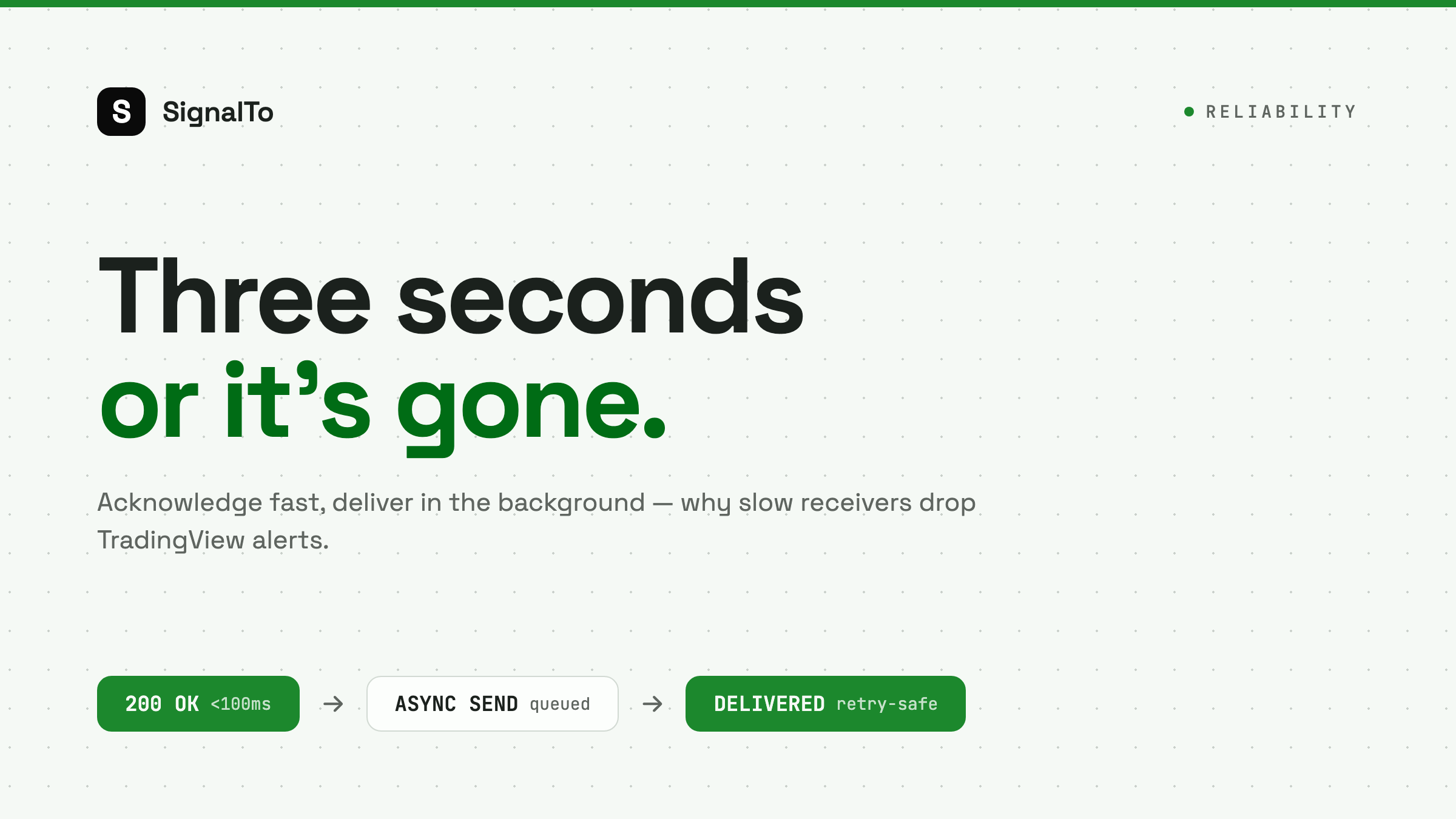
TradingView webhooks are not a job queue. They are a short HTTP request. If your endpoint takes too long, TradingView may cancel the request or treat it as failed. That is why a bot that works during testing can miss alerts during real market moves.
The real problem
A slow endpoint often does too much before responding:
- Parse the alert.
- Write to a database.
- Call Telegram.
- Call Discord.
- Wait for a broker API.
- Return a response to TradingView.
If any downstream service is slow, TradingView waits. That is the wrong shape for reliable alert delivery.
The safer pattern
Your endpoint should do the minimum before responding:
- Receive the webhook.
- Validate the route token.
- Store the raw event.
- Return 200.
- Deliver to Telegram, Discord, or Feishu in the background.
This keeps TradingView happy and gives your delivery system time to retry safely.
Why self-hosted scripts fail here
A small Flask or FastAPI script is fine for a single destination. The trouble starts when it grows:
- You add Discord formatting.
- You add Telegram groups.
- You add retries.
- You add logging.
- You add multiple strategies.
Soon the request path is doing everything. One slow network call turns into a missed alert.
What to log
Log the inbound event separately from delivery attempts.
Inbound event:
received_at
strategy
symbol
raw_payload
route_id
Delivery attempt:
destination
attempted_at
response_code
response_body
retry_count
final_status
This separation matters. TradingView delivery and chat delivery are two different hops.
What response code should you return?
Return a 2xx only after you have accepted the event. Do not return 200 if the route token is invalid. Do return 200 before waiting on Telegram or Discord.
Good pattern:
receive -> validate -> store -> 200 -> async delivery
Risky pattern:
receive -> send to Discord -> send to Telegram -> store -> 200
How SignalTo handles this
SignalTo treats TradingView as the source of truth for an inbound event, then handles each destination separately. A Discord failure does not block Telegram. A Telegram retry does not force TradingView to send again.
If you are debugging timeouts today, start with TradingView webhook alerts. If your main target is Telegram, follow TradingView to Telegram.